Configuration
Configuration for manual deploy extension
Manual Deploy Configuration 📝
After creating a Manual Deploy server, you can configure the following settings in the server configuration page. Product Configuration When creating or editing a product assigned to a Manual Deploy server, you configure the deployment workflow. These settings define what your customers will experience.
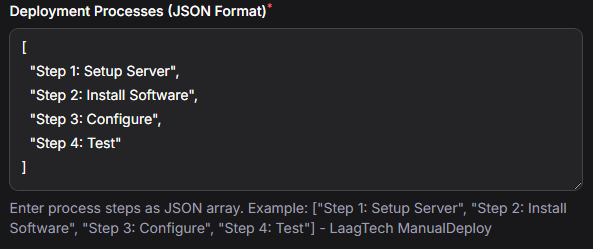
⚙️ Deploy Process
The customer will see these steps and administrators can mark each complete as work progresses.
JSON configuration Example:
[
  "Step 1: Setup Server",
  "Step 2: Install Software",
  "Step 3: Configure",
  "Step 4: Test"
]
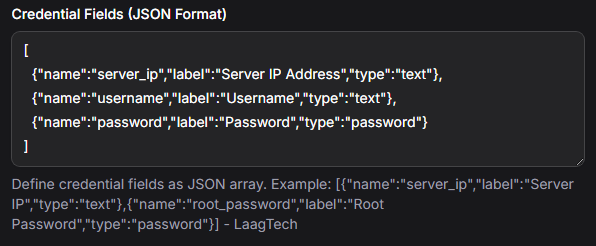
🔑 Credential Fields
Administrators will fill in these fields after marking all processes complete and before finalizing deployment.
JSON configuration Example:
[
  {"name":"server_ip","label":"Server IP Address","type":"text"},
  {"name":"username","label":"Username","type":"text"},
  {"name":"password","label":"Password","type":"password"}
]
Type Options: text, password, textarea
🔘 Action Buttons
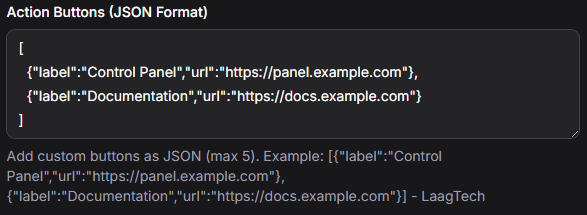
Buttons appear on the customer's service dashboard. You can link to documentation, support systems, download pages, or any external resource relevant to the service.
JSON configuration Example:
[
  {"label":"Control Panel","url":"https://panel.example.com"},
  {"label":"Documentation","url":"https://docs.example.com"}
]